
Space start / pause S skip R reset 123 modes
Today's sessions
No completed pomodoros yet. Start your first 25 minutes.
Work in focused 25-minute sprints with automatic breaks, a daily goal and a session log you can print – no signup, everything runs in your browser.
Space start / pause S skip R reset 123 modes
No completed pomodoros yet. Start your first 25 minutes.
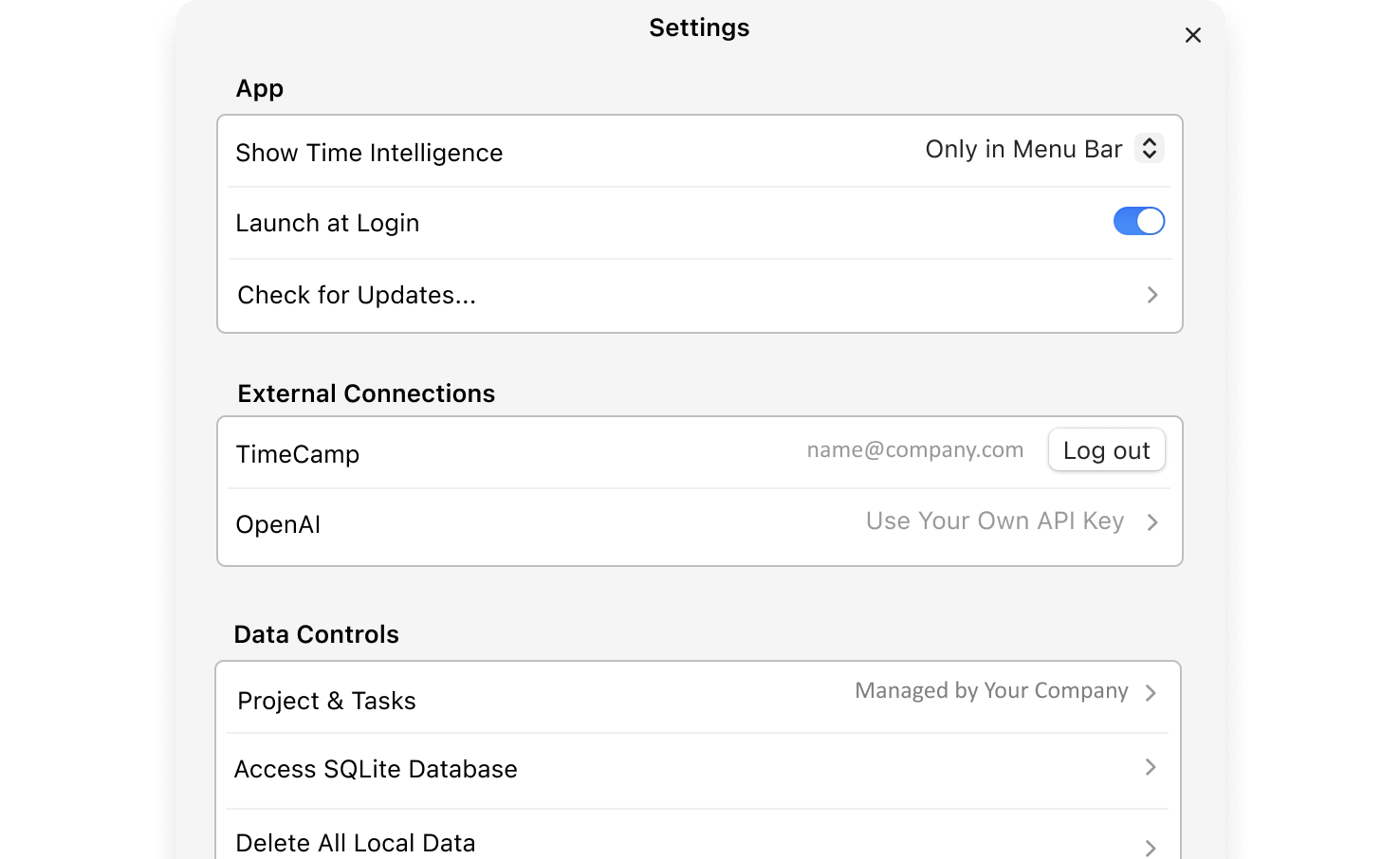
AI Time Tracker runs in the background on your Mac or Windows computer and records every focus session automatically — your protected time lands in your timesheet without a single manual entry.
The Pomodoro Technique is a time-management method created by Francesco Cirillo in the late 1980s. Work is split into short, undivided sprints — traditionally 25 minutes, called pomodoros after the tomato-shaped kitchen timer Cirillo used as a student — separated by brief breaks. After four pomodoros you take a longer rest.
The method works because it attacks procrastination from two sides: the commitment is small (anyone can focus for 25 minutes), and the timer turns focus into a game you can win repeatedly. Each completed pomodoro is visible proof of progress — which is why this timer keeps a log of them.
The timer auto-cycles through focus and breaks by default (you can switch it off in Settings), updates the countdown in the browser tab title so you never lose it, and can send a desktop notification when a session ends. Your settings, goal progress and today's log survive a page reload.
Twenty-five minutes sits in the sweet spot of attention research: long enough to get real work into a task, short enough that your brain never believes the end is far away. The break is not wasted time — memory consolidation happens during rest, which is why people routinely solve problems in the shower that resisted them at the desk.
Not every work style fits 25/5. If you write code or design, try 50/10. If you fight heavy procrastination, drop to 15/3 for a week. Adjust the durations in Settings above — the technique is a scaffold, not a religion.
That last step is where most people stop — the log never reaches their real timesheet. The free AI Time Tracker closes that gap: it runs in the background and turns your focus time into logged, billable hours automatically.
One 25-minute unit of focused work, named after the tomato (Italian: pomodoro) kitchen timer Francesco Cirillo used when he invented the technique. Four pomodoros followed by a longer break make a classic cycle.
Yes — by default it auto-cycles: focus → short break, and a long break after every four pomodoros. You can disable auto-cycle in Settings if you prefer to start each phase manually.
Yes. Open Settings & goal and set your own focus, short break and long break durations — common variants are 50/10 for deep work and 15/3 for heavy procrastination days. Your custom durations are saved in the browser.
Yes — an alarm tone plays when the timer reaches zero, and you can also enable desktop notifications in Settings (your browser will ask for permission once). The countdown also lives in the tab title while the timer runs.
Completed pomodoros appear under the timer with their start and end times and your task name. The log is stored only in your browser for the current day, and you can print it or save it as a PDF at any time.
No. The timer, goal tracker, session log and print report all work without signup, entirely in your browser. Nothing you do here is sent to TimeCamp.
Yes. The free AI Time Tracker for Mac or Windows records your work automatically in the background and pre-fills your timesheet — so the hours you protect with pomodoros actually reach your client or payroll without manual entry.
Focus sessions are billable work. AI Time Tracker logs them automatically from your computer activity – so the time you just protected actually reaches your timesheet. Download the free app for your Mac or Windows computer.